← Back to Waggy
Waggy Quick
Waggy Quick
Start Guide.
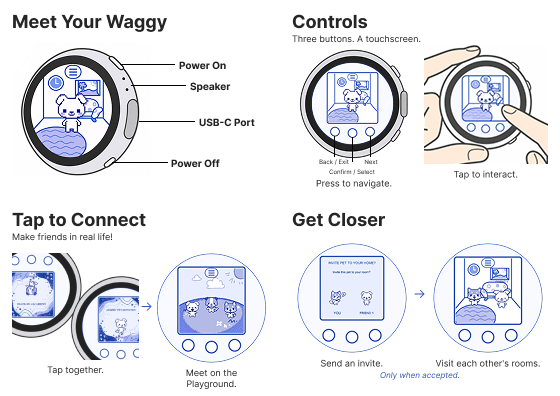
Use the touchscreen or the three physical buttons.
C Left · Back / ExitB Middle · Confirm / SelectA Right · Next / Navigate
Make your Waggy
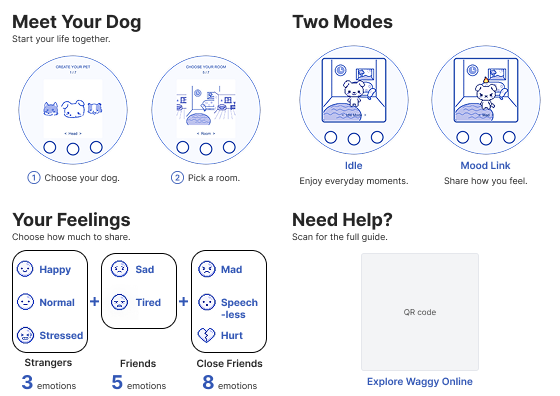
Turn on your Waggy. Choose a head, body and tail. Preview your dog, then choose a room.
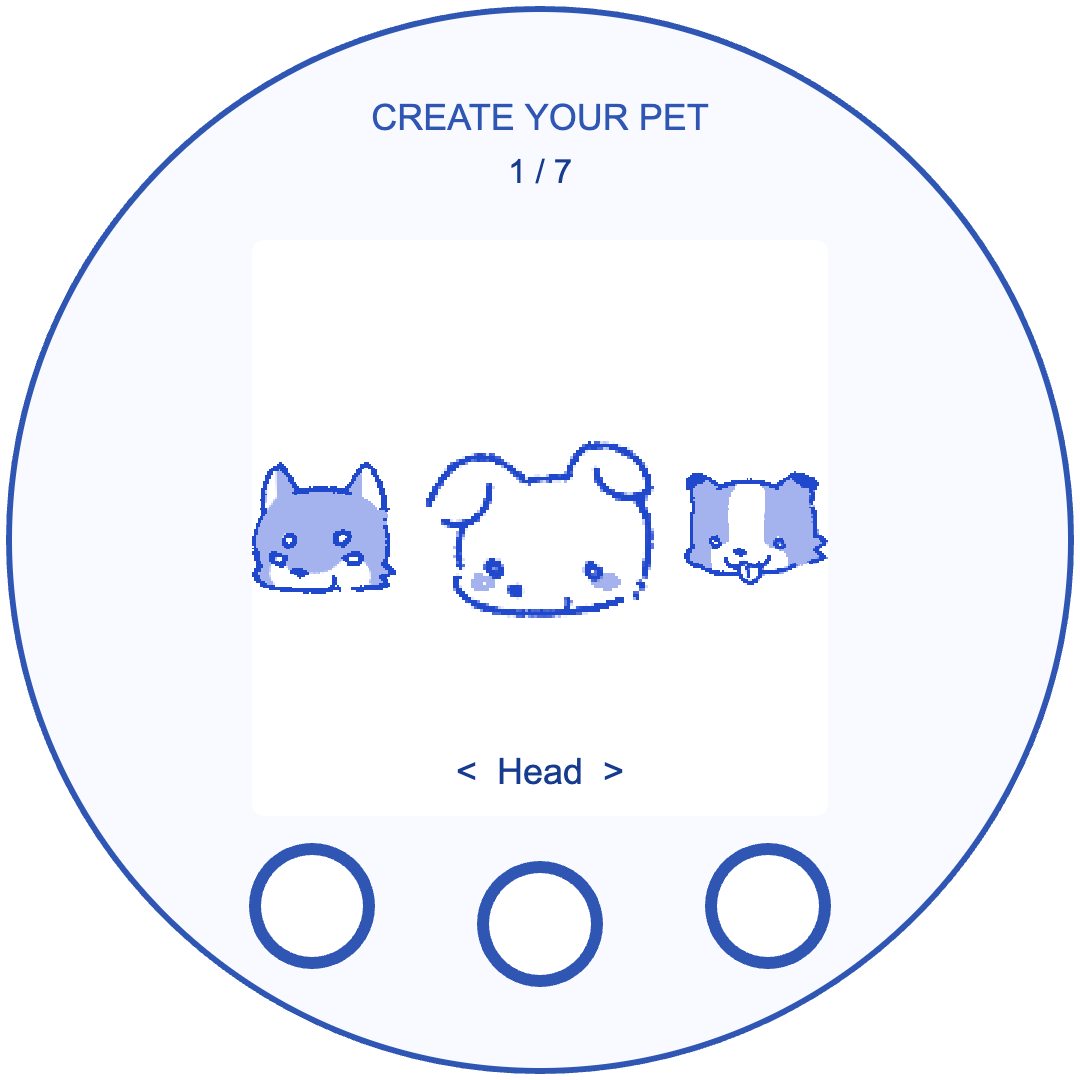 Choose a head
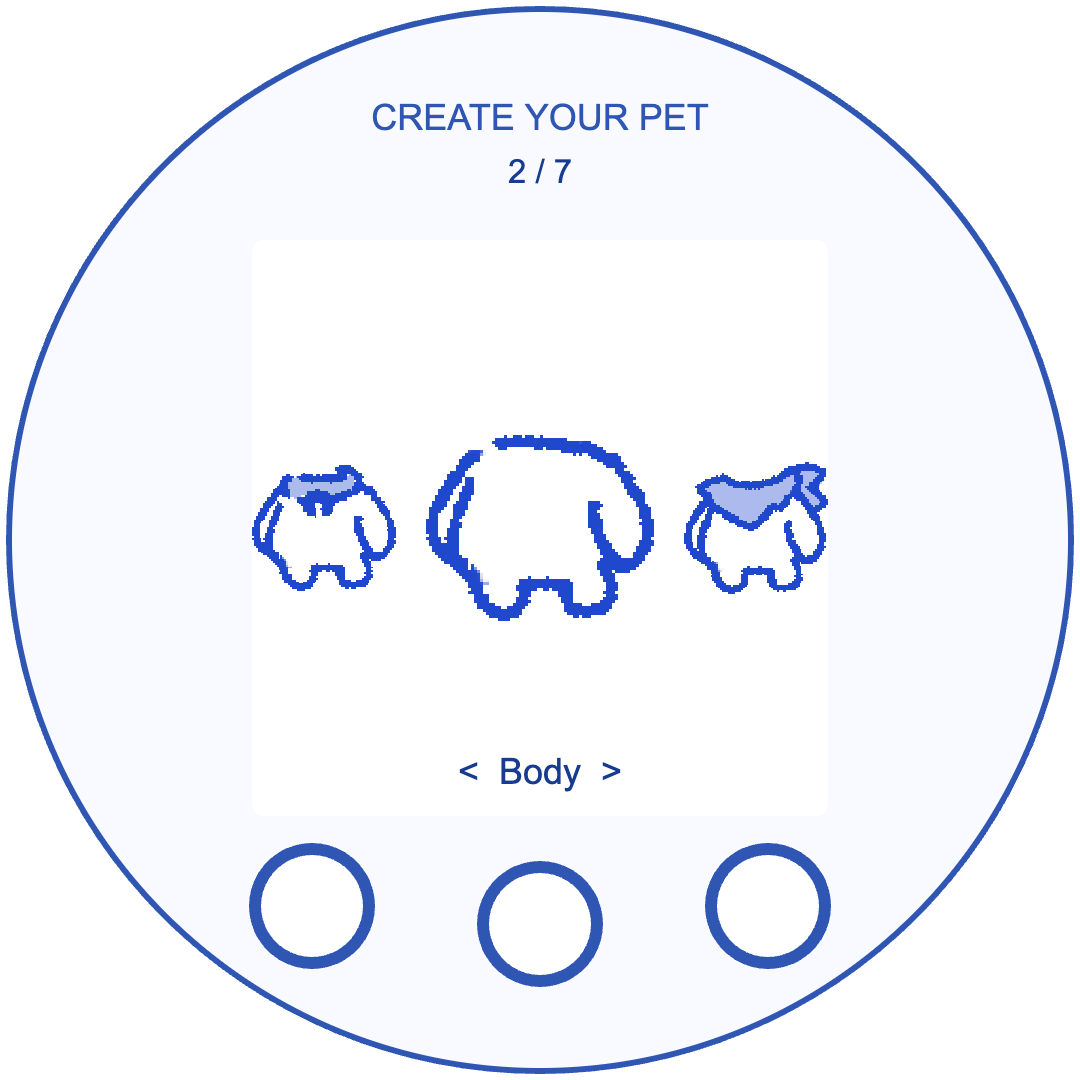 Choose a body
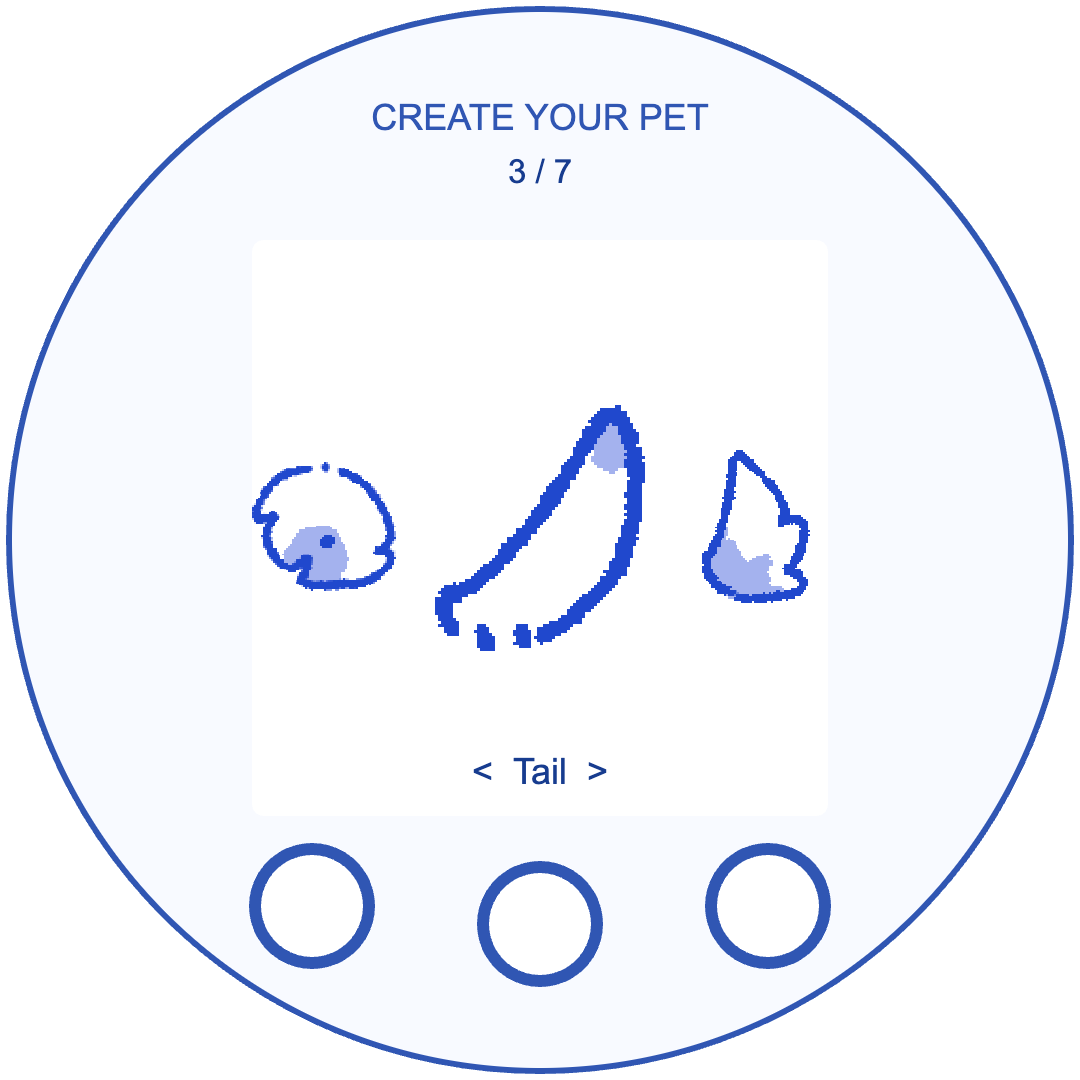 Choose a tail
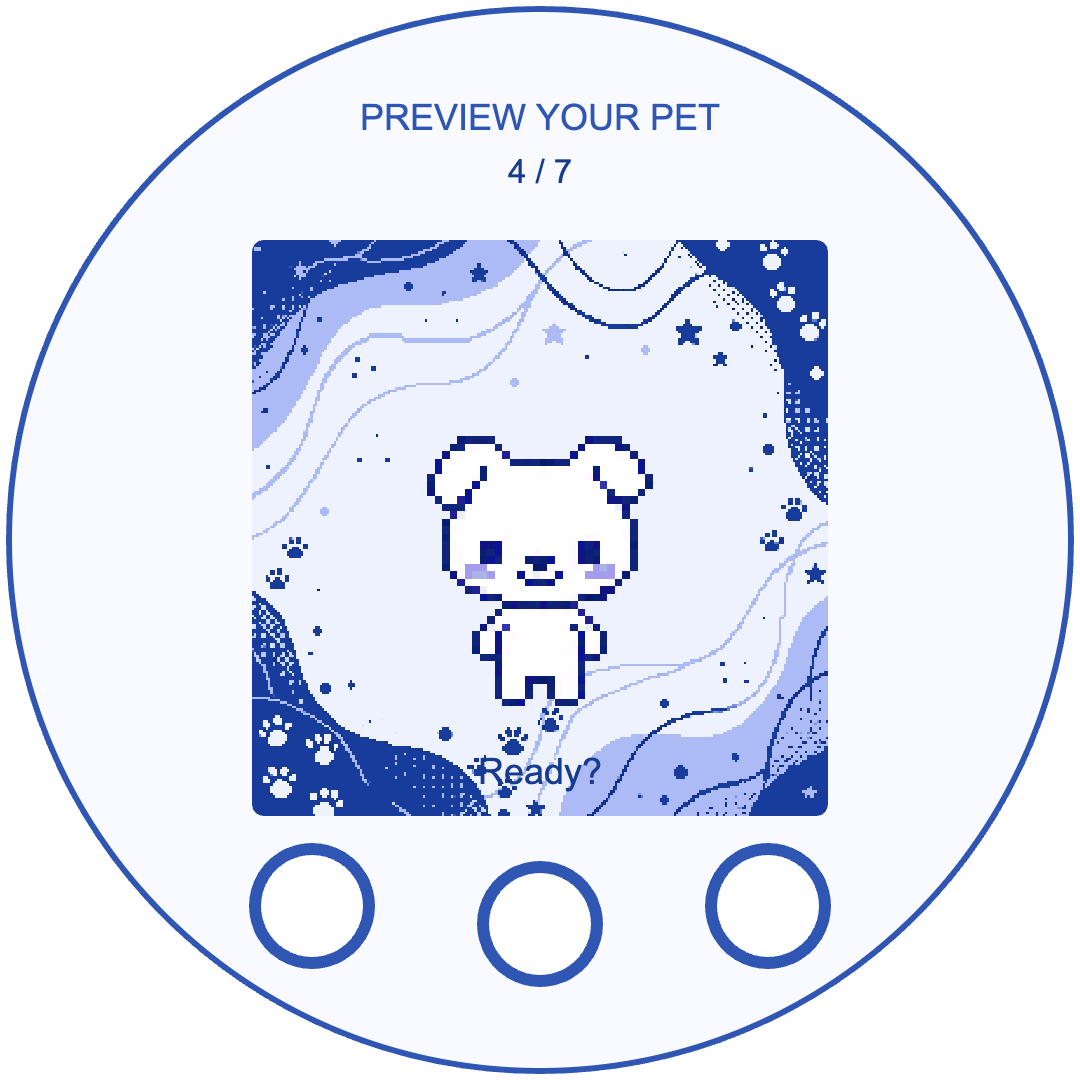 Preview your pet
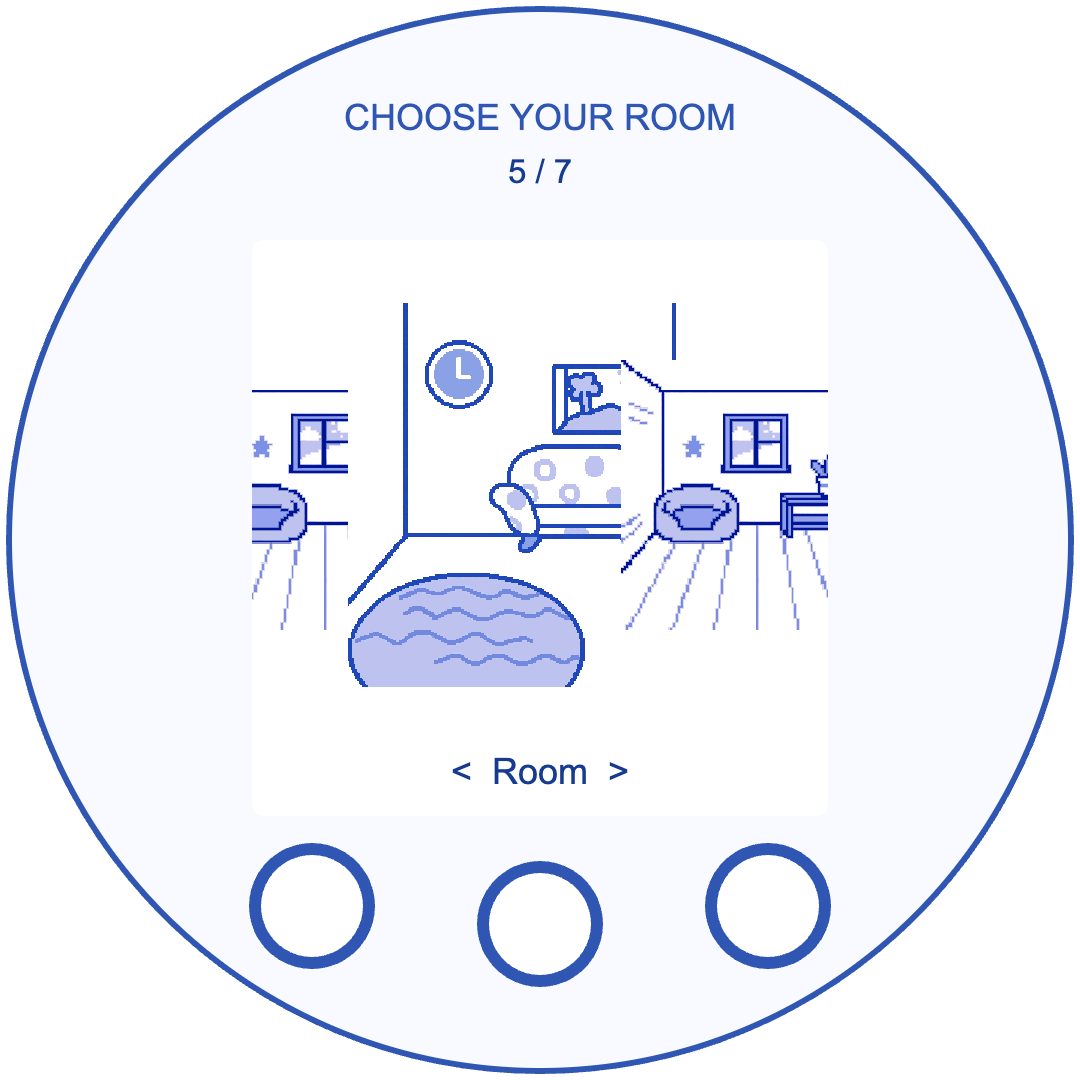 Choose a room
Idle and Mood Link
Spend time with your dog in Idle, or choose a mood manually. The smartwatch connection shown here is simulated.
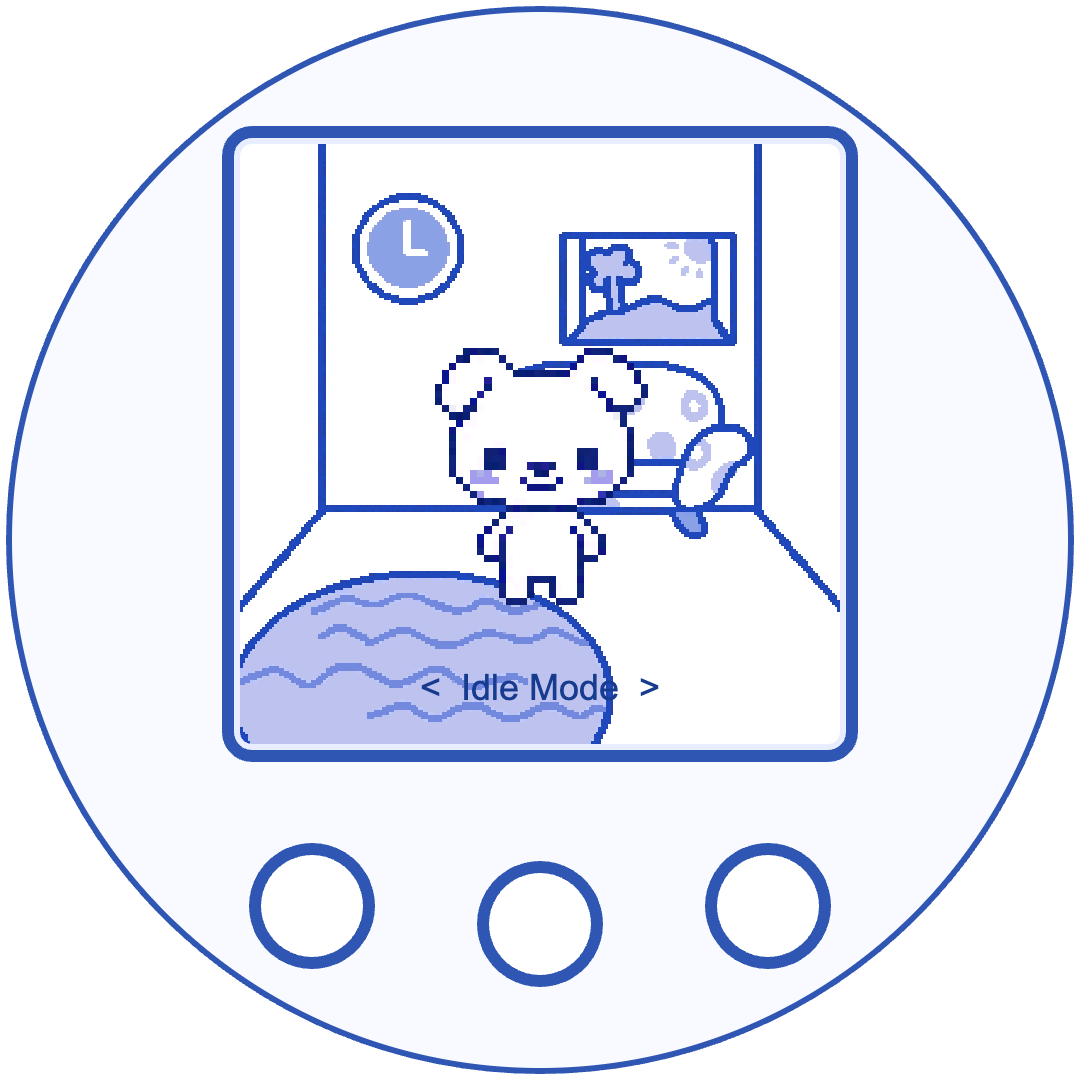 Idle at home
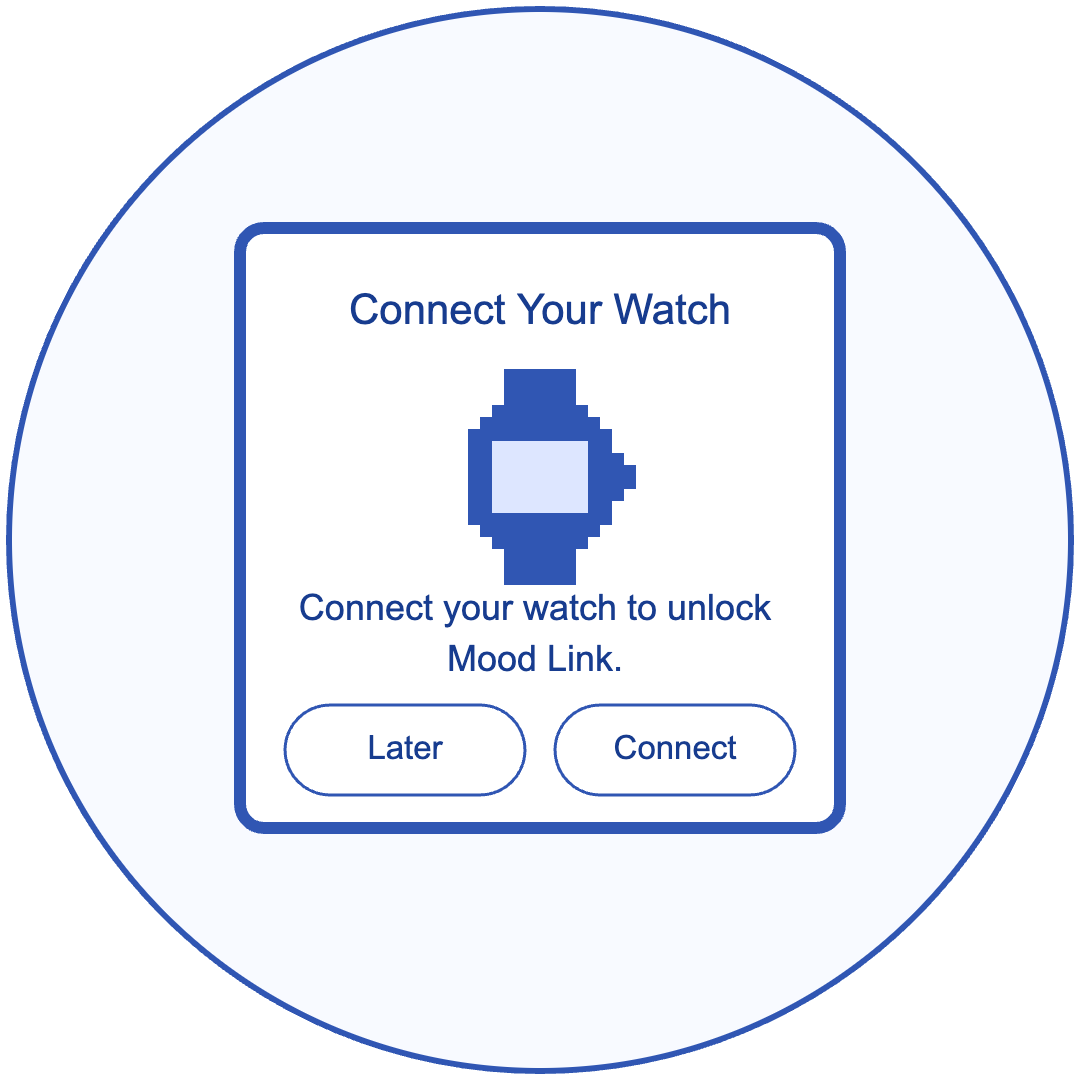 Simulated watch connection
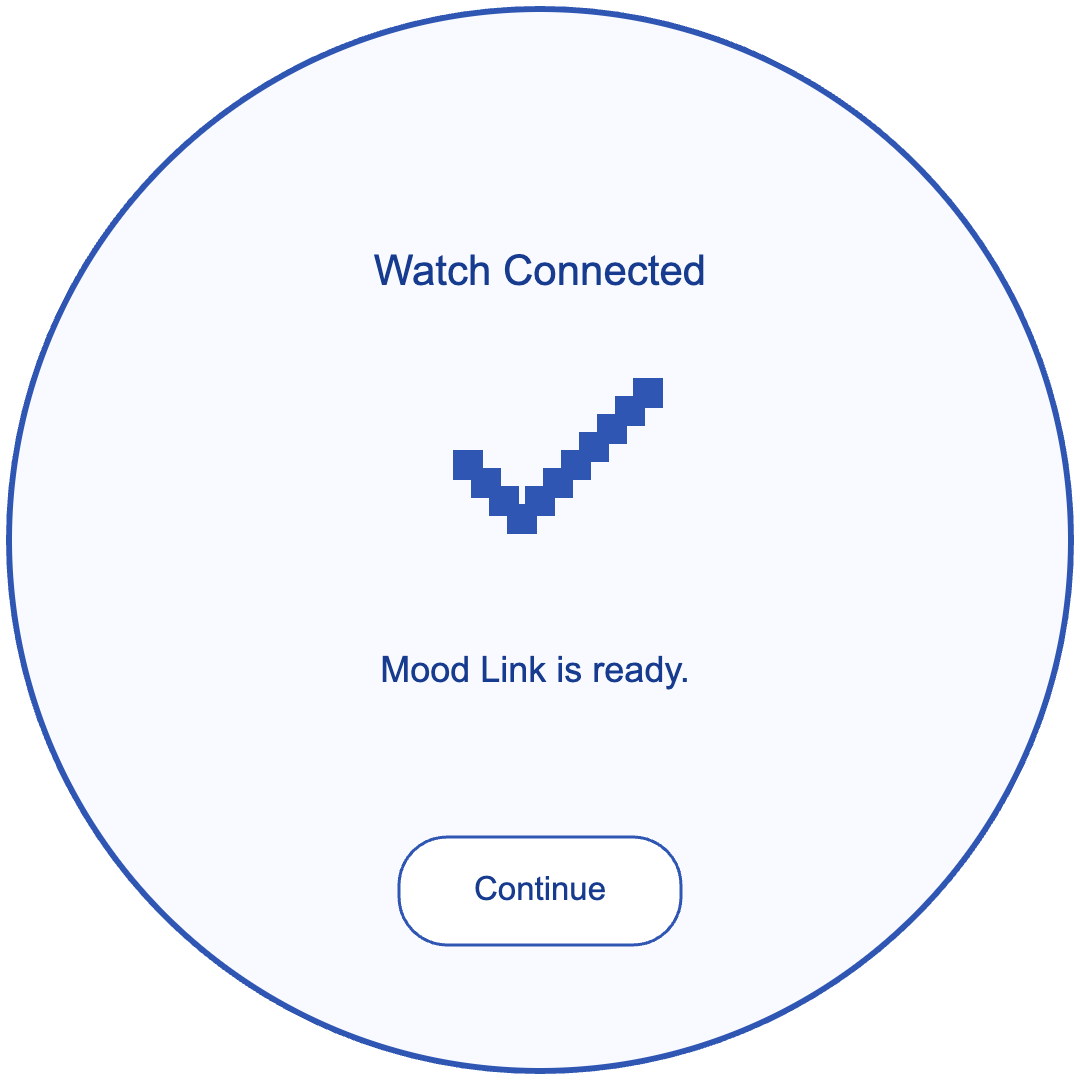 Simulated connection confirmation
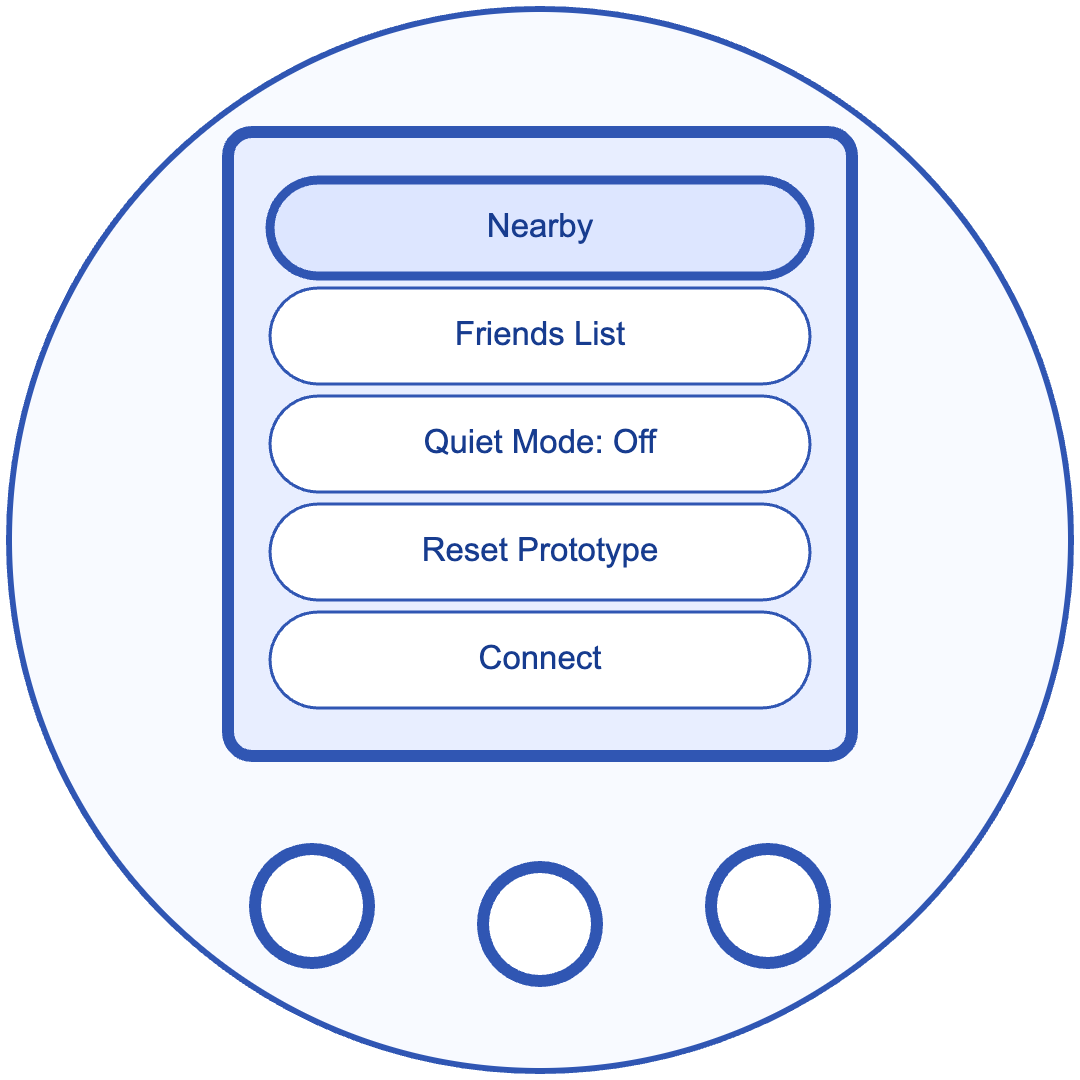 Find Connect in Settings
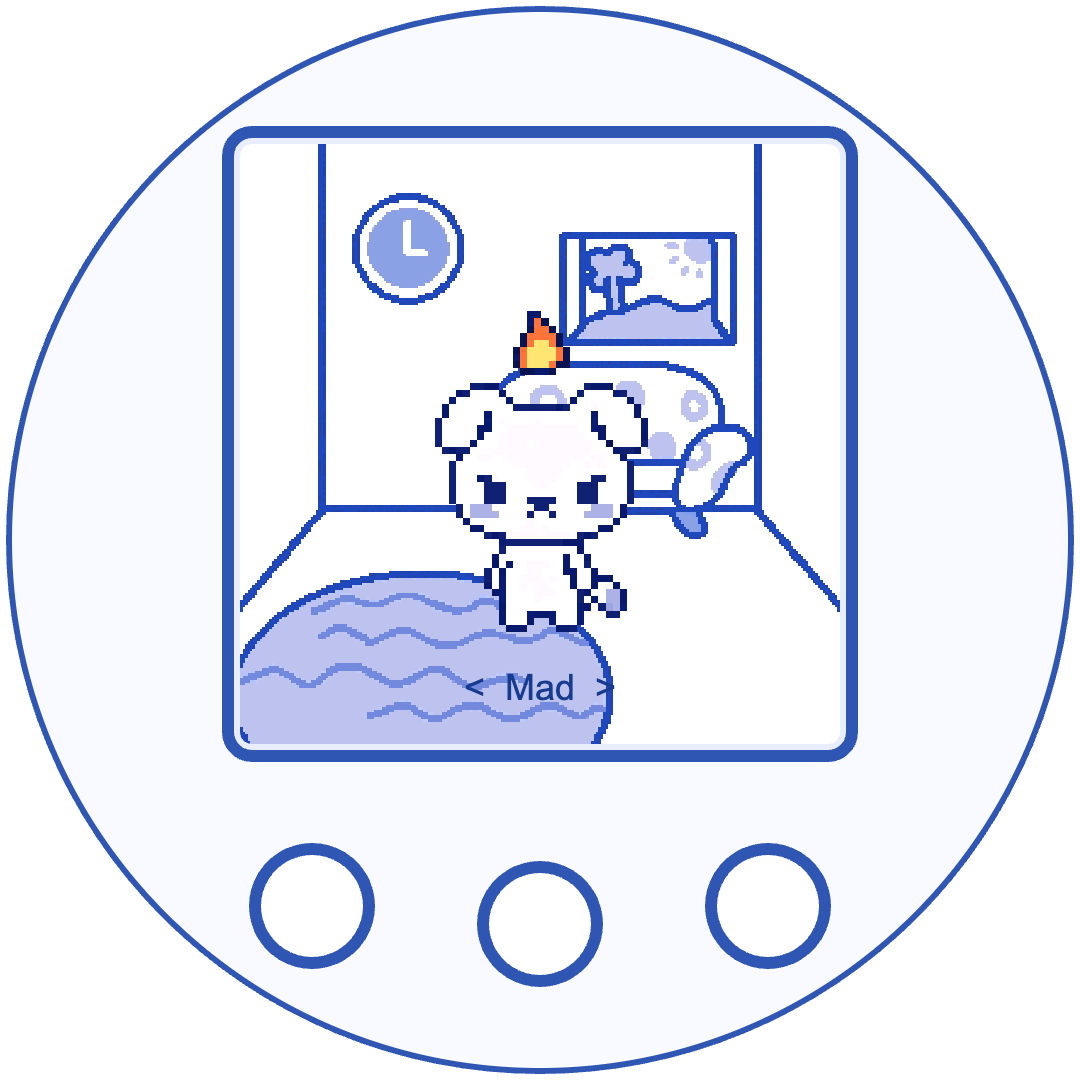 Mad mood example
Tap to Connect
Bring two Waggys together. Confirm the friend request, then give your friend a name if you like.
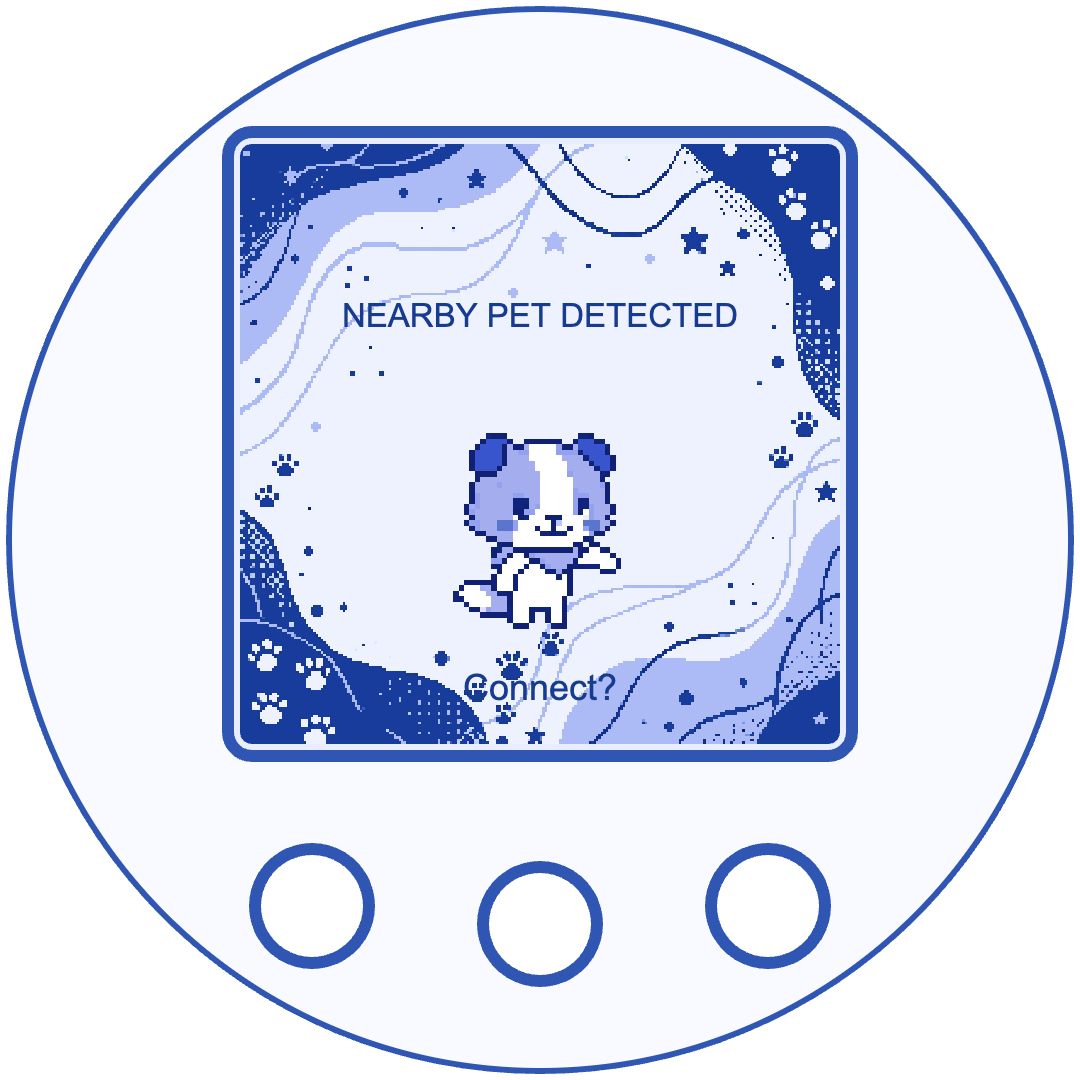 Find a nearby Waggy
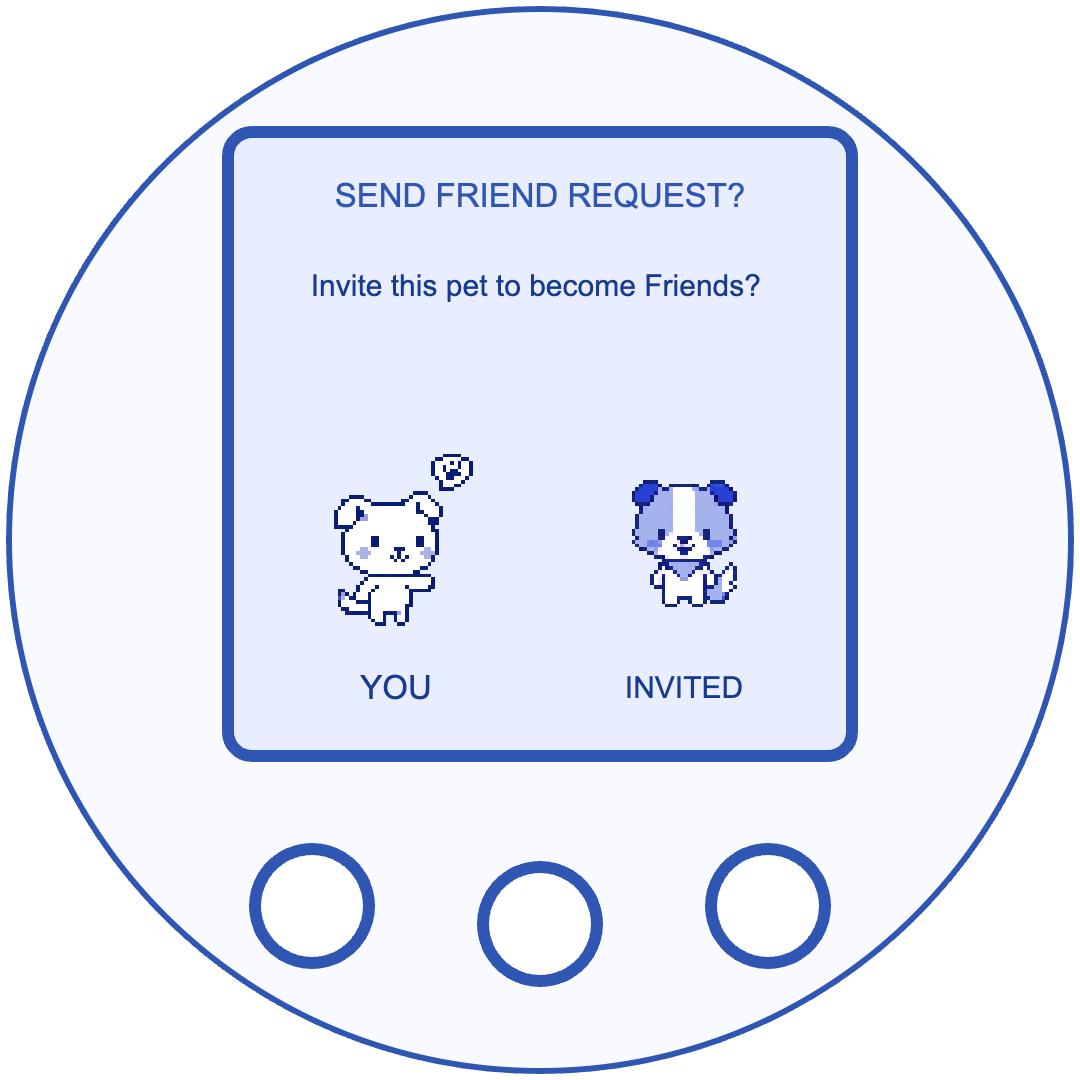 Send a friend request
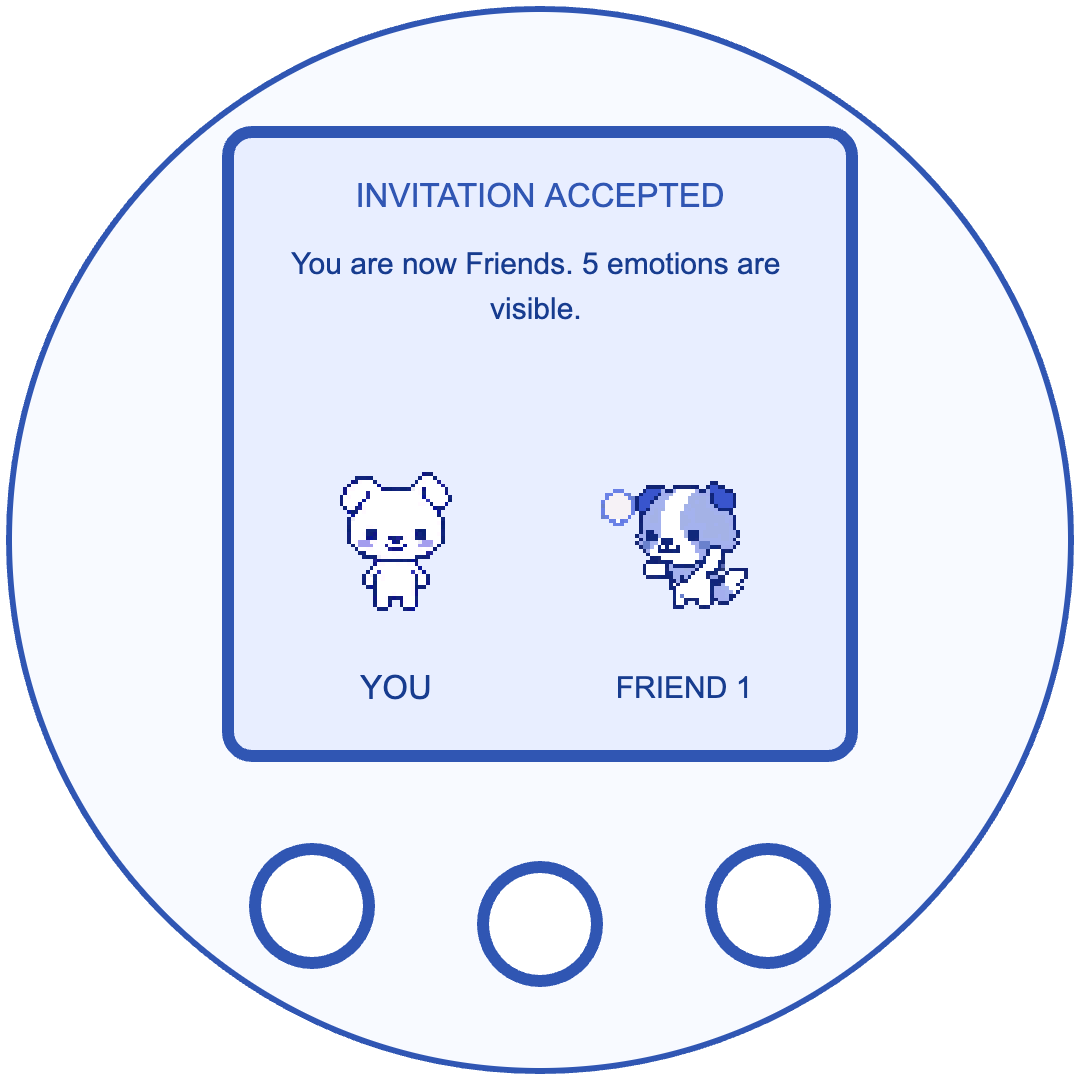 Friend request accepted
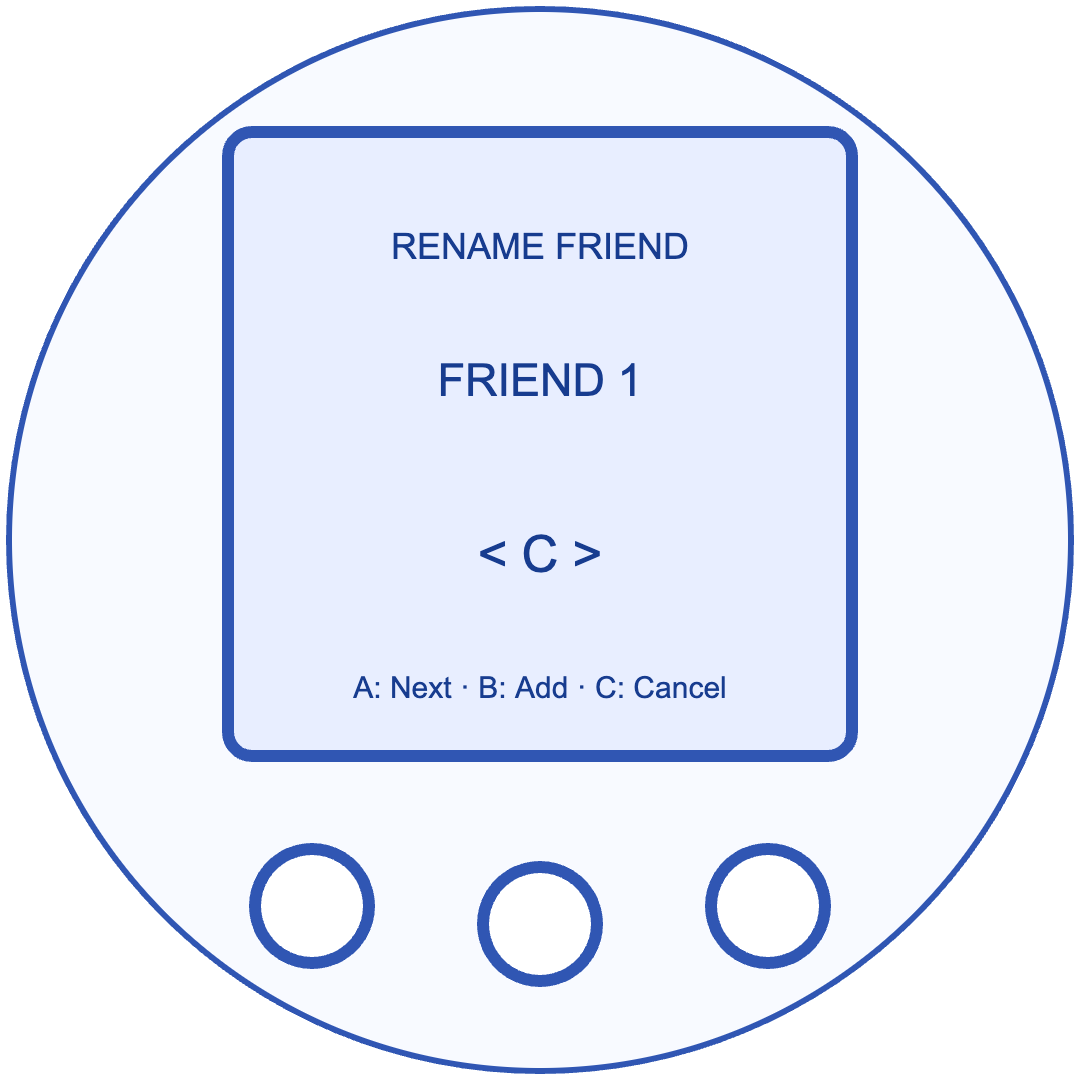 Rename your friend
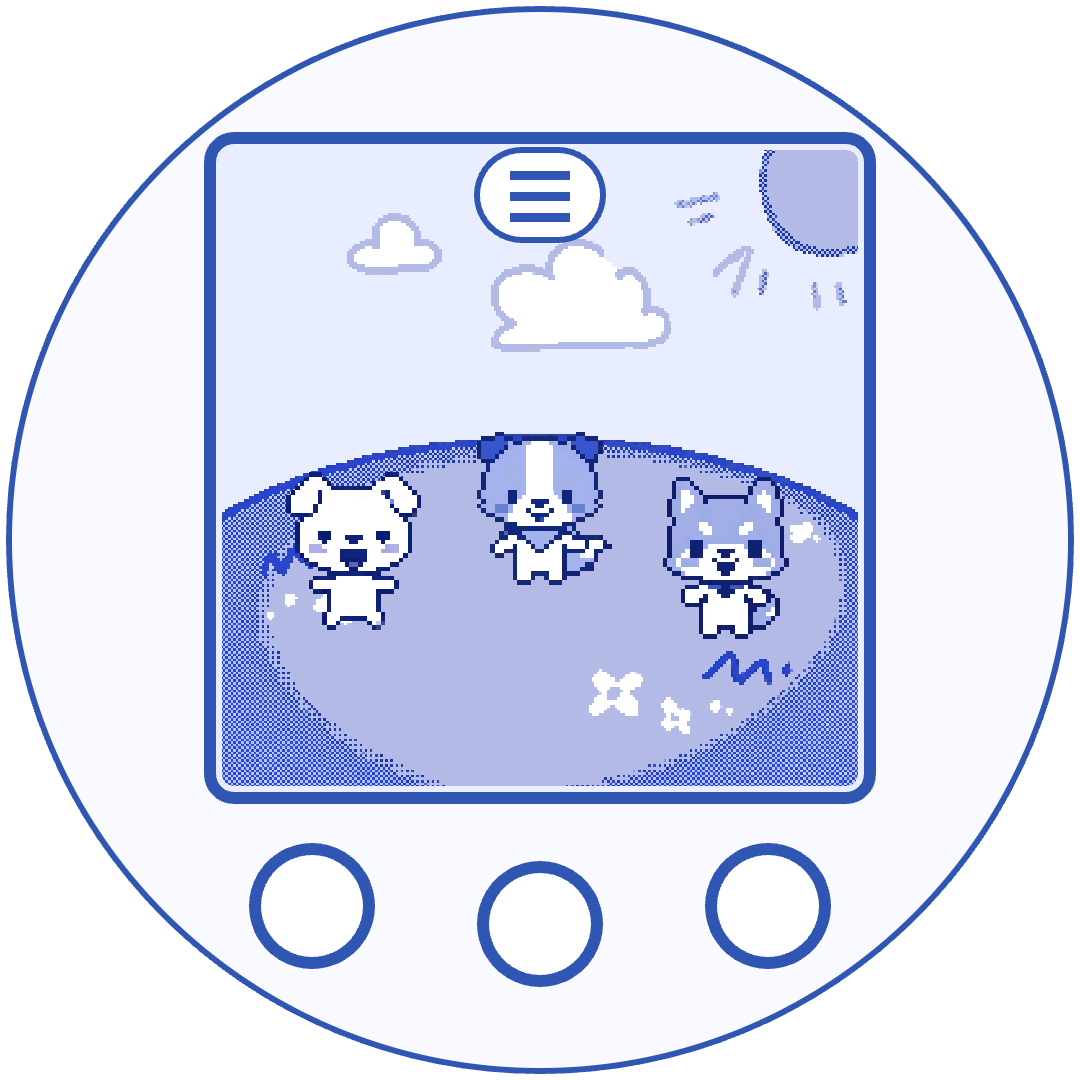 Meet in the playground
Get Closer
Send a trusted friend request. Once accepted, you can invite your close friend home. They need to accept each visit.
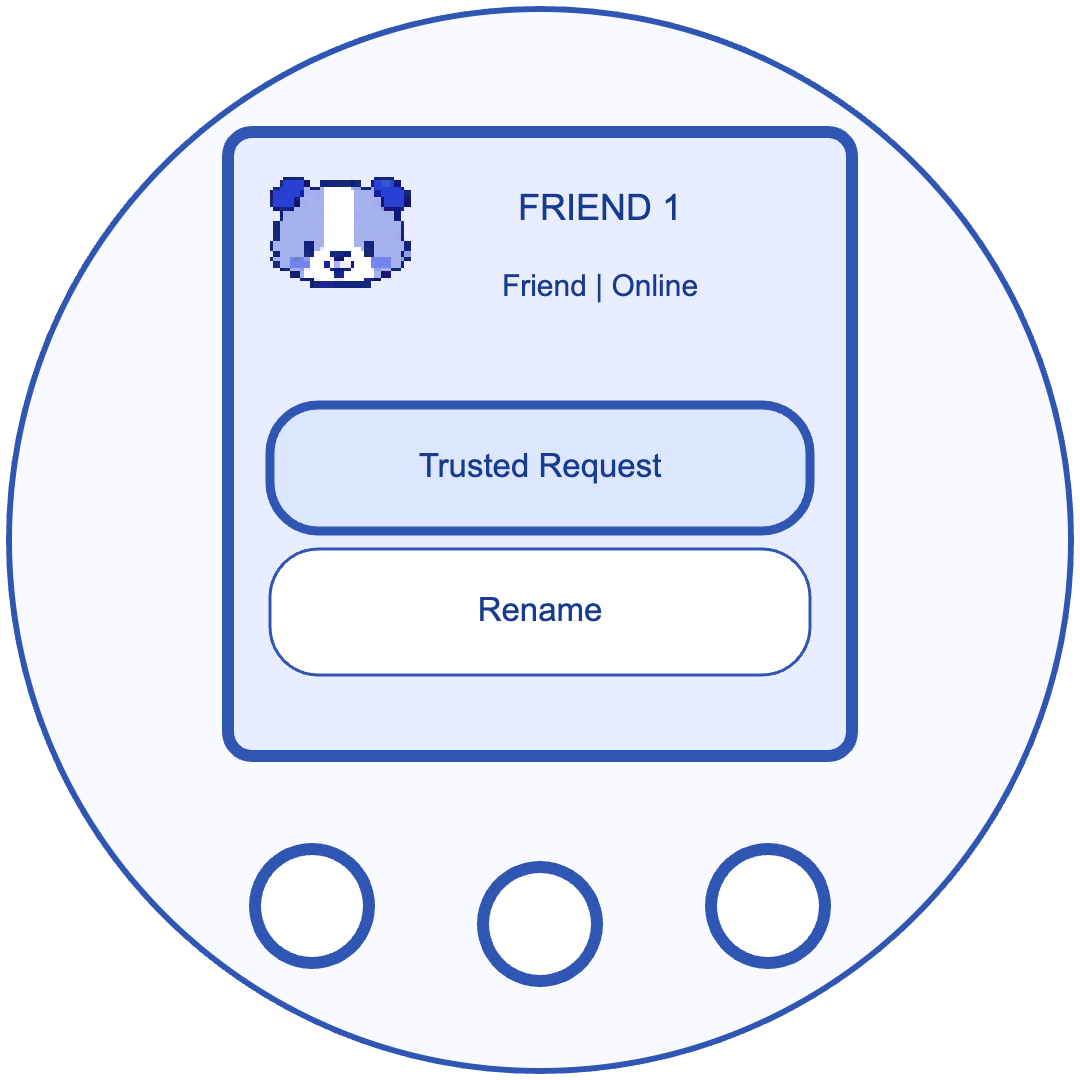 Open the friend menu
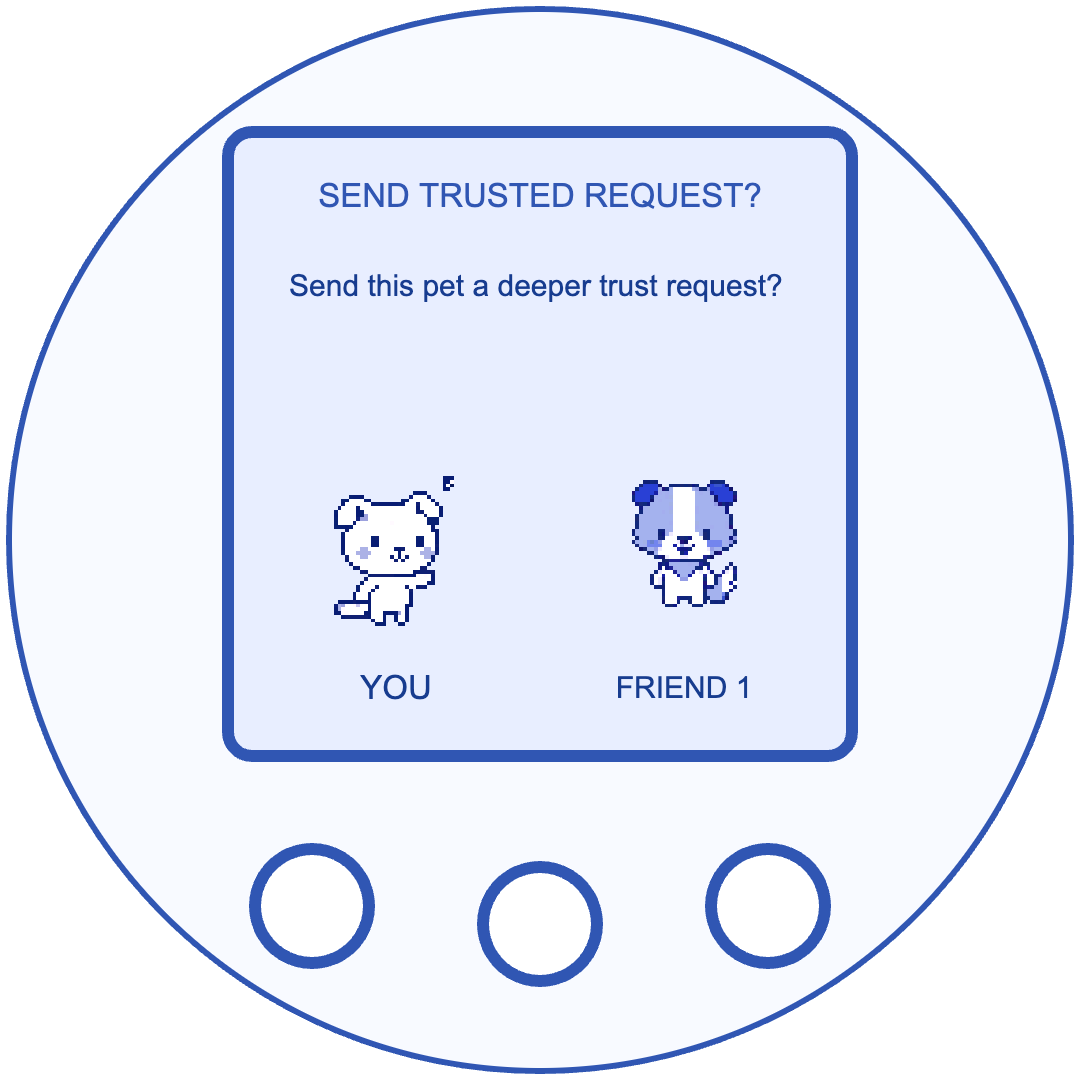 Send a trusted friend request
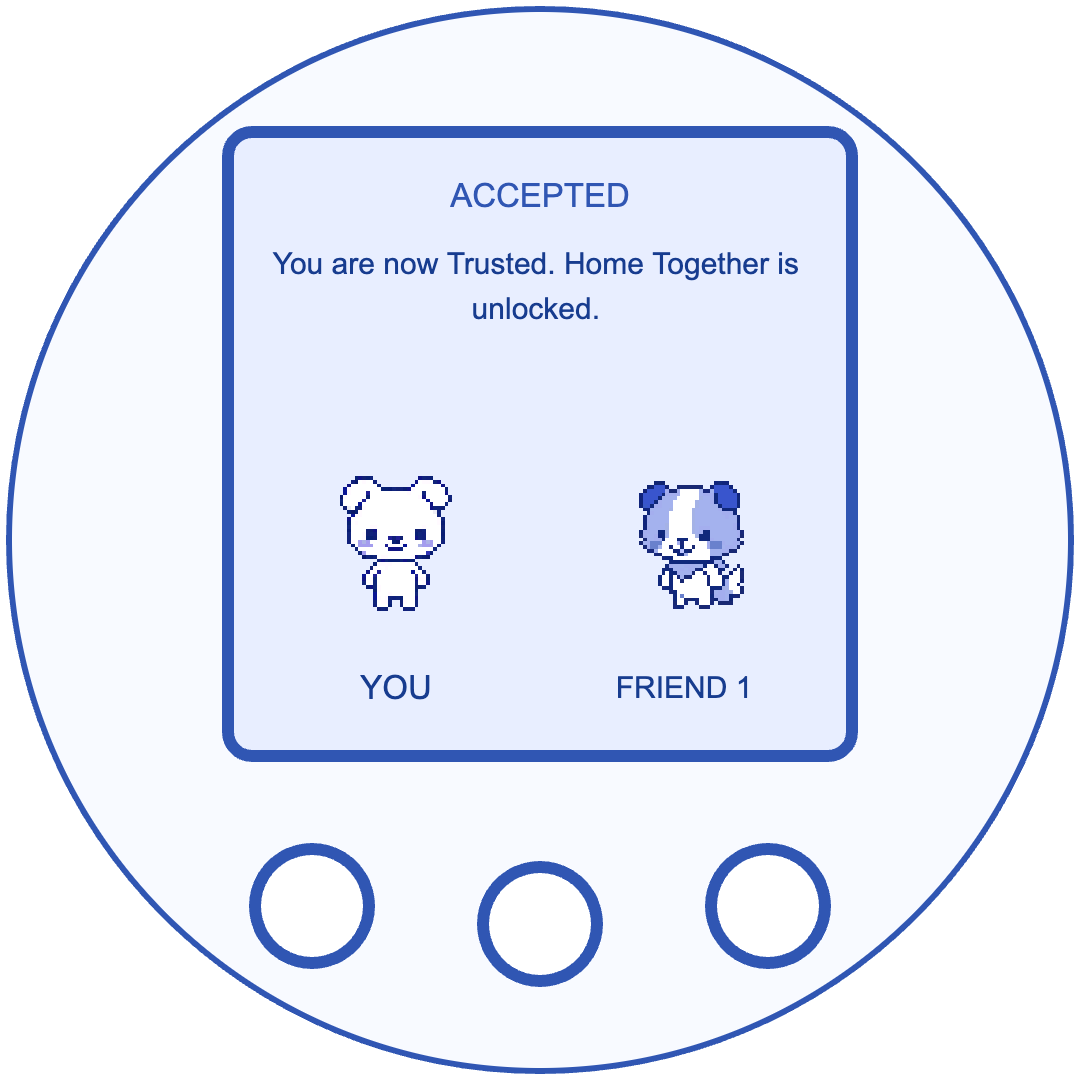 Trusted request accepted
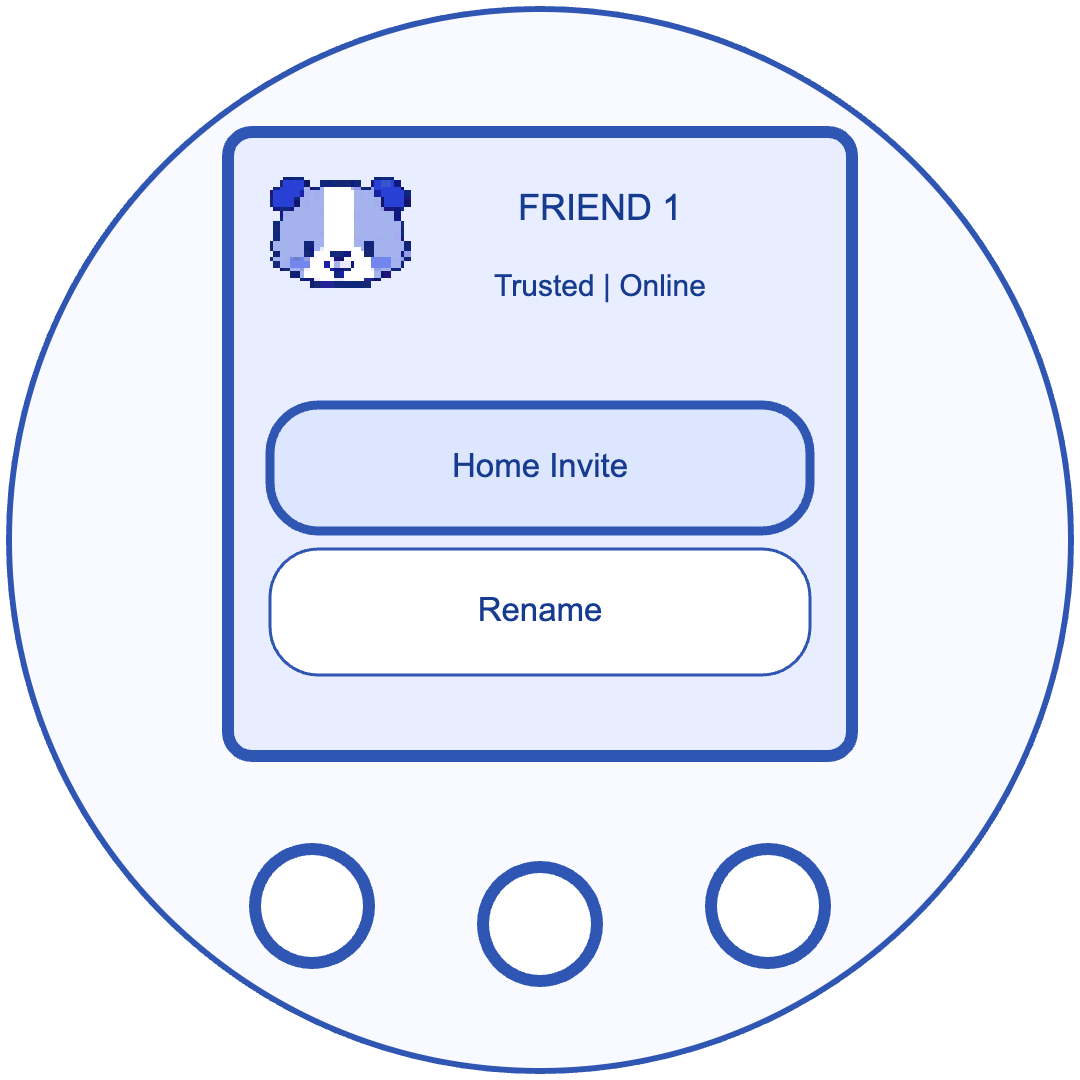 Open Home Invite
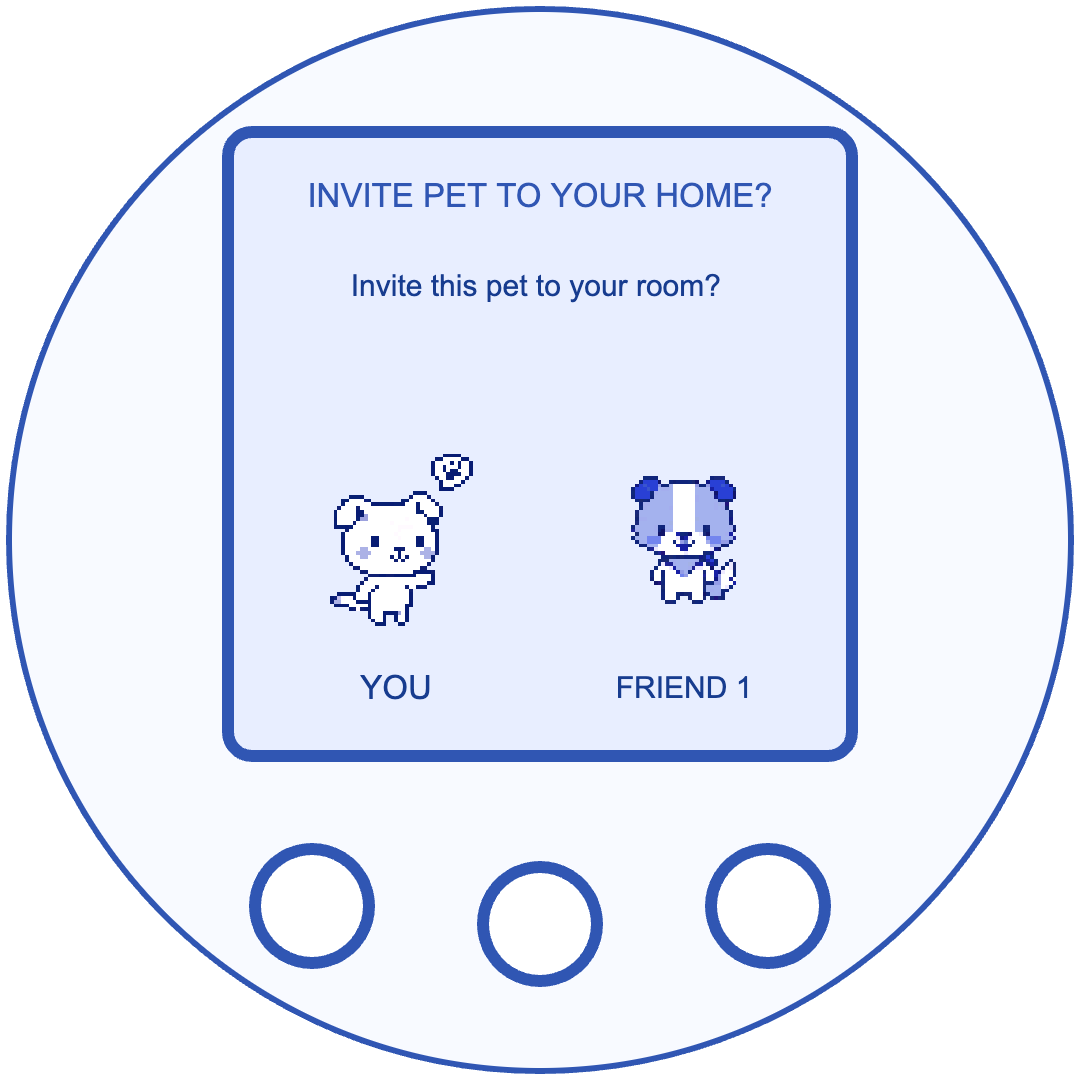 Send a home invitation
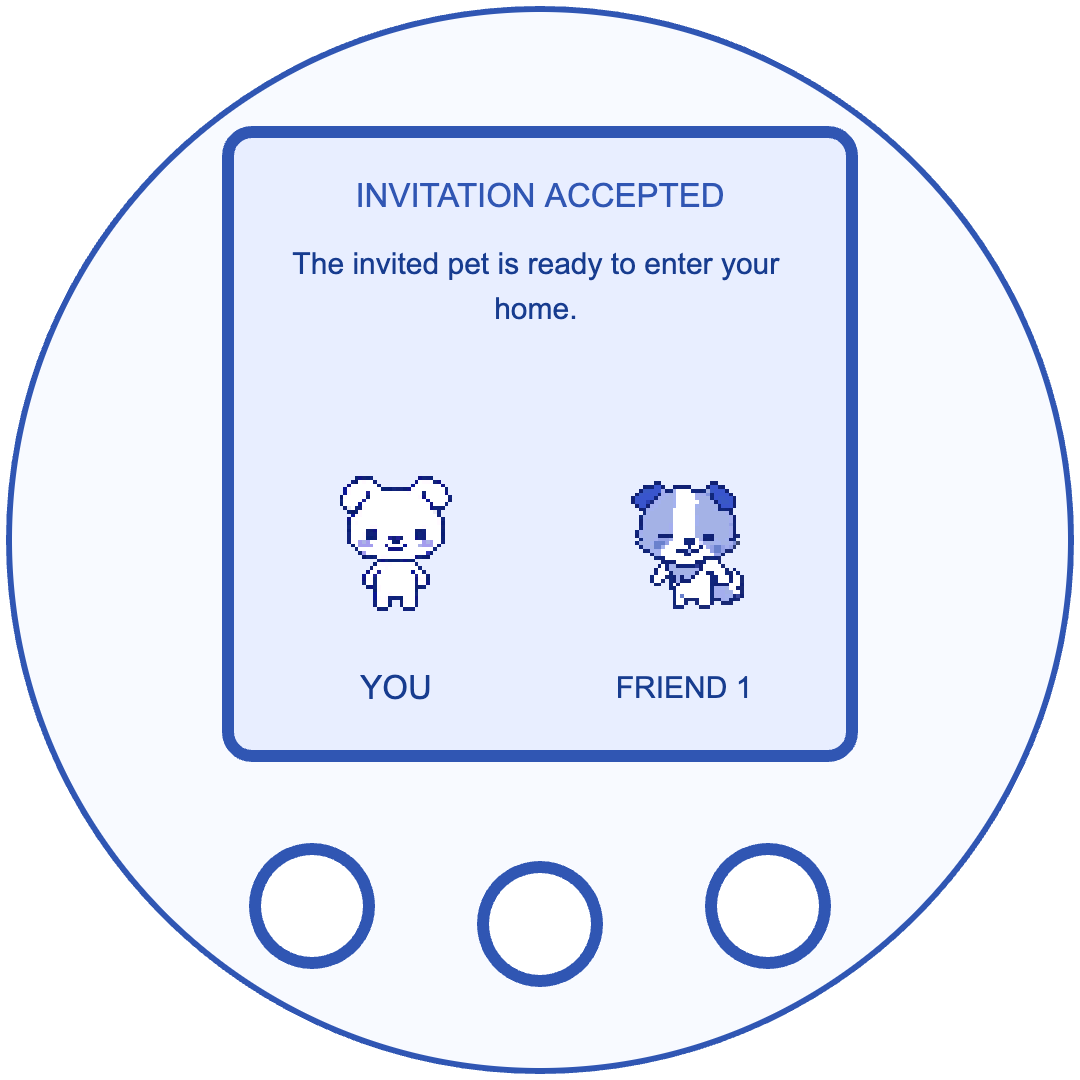 Home invitation accepted
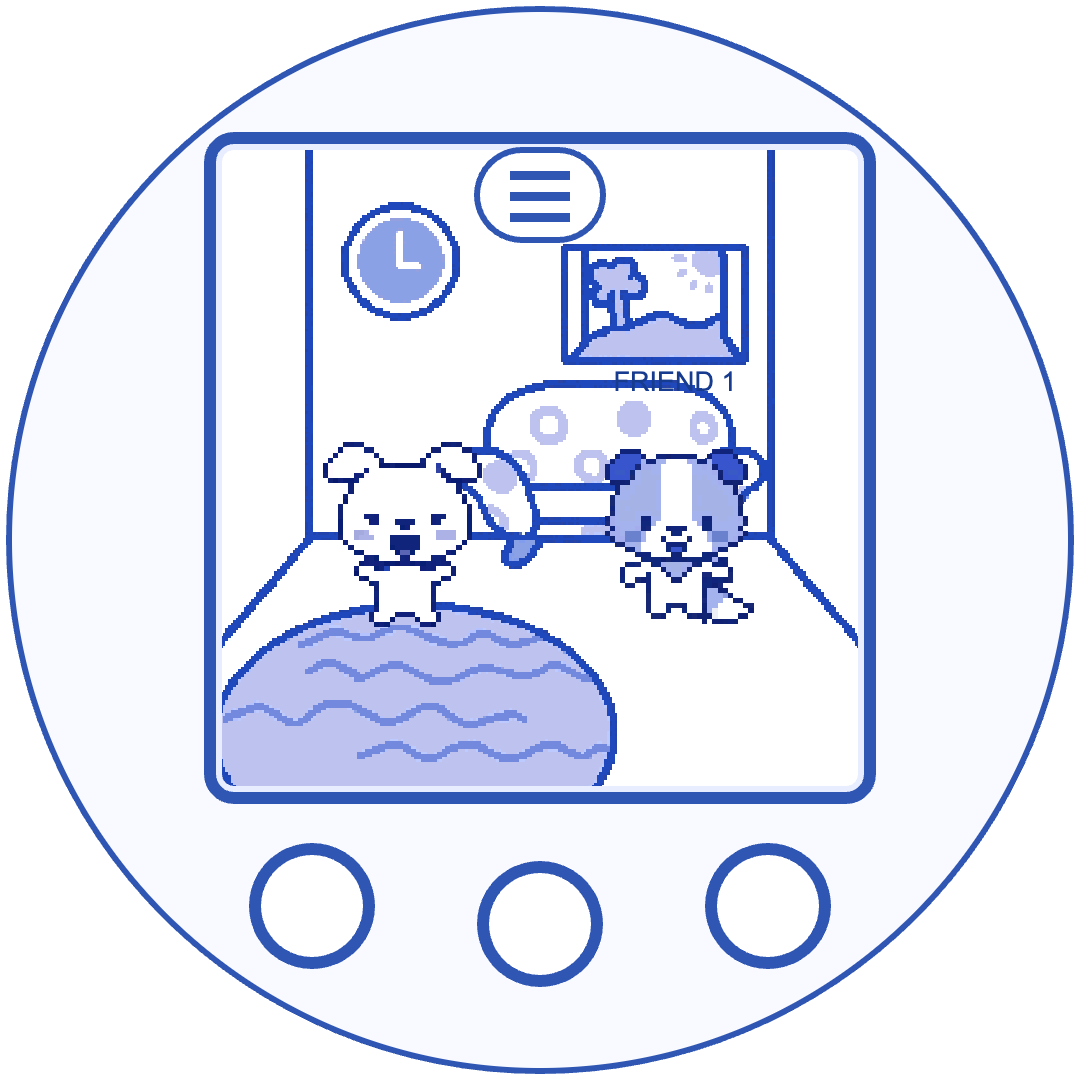 Spend time in one room
Printed guide
Open each side of the supplied guide in a separate tab to view it at full size.